 How-to
How Long Do Reverse Osmosis Membranes Last?
Last Updated: November 15, 2026
Quick Summary
Most reverse osmosis membranes last about two to three years in a well-maintained residential system, though hard water or well water with iron can cut that to one or two years. Actual life depends on feedwater quality, pretreatment, and how many gallons you push through, so track TDS and output rather than relying on a calendar date.
- Chlorine and chloramine degrade many thin-film composite membranes, so carbon pre-filtration is essential.
- Signs of replacement include slower tank fill, lower output, worse taste, and rising TDS readings.
- Check pre-filters, rejection rate, storage tank, pressure, and leaks before replacing a membrane.
- Change sediment and carbon pre-filters every few months, far more often than the membrane.
- Test TDS monthly and soften hard water upstream to extend membrane life.
Table of Contents
- Why Reverse Osmosis Membrane Lifespan Estimates Vary So Much
- Typical Reverse Osmosis Membrane Lifespan: Residential vs Commercial
- What Shortens RO Membrane Life: Feedwater, Pressure, and Contaminants
- Signs an RO Membrane Needs Replacing
- How Often to Replace a Reverse Osmosis Membrane
- RO Membrane Life Calculation: A Simple Performance Test
- Reverse Osmosis Membrane Maintenance That Adds Years
- Schedule a Membrane Inspection with AquaShield Home Systems
- Frequently Asked Questions
Why Reverse Osmosis Membrane Lifespan Estimates Vary So Much
Ask five homeowners how long their reverse osmosis membranes lasted and you'll get five different answers. That's not because one of them is wrong. It's because reverse osmosis membranes don't wear out on a calendar. They wear out based on what's in your water and how well the system is cared for.
A reverse osmosis membrane is a semi-permeable sheet that lets water molecules pass while blocking dissolved salts, minerals, and larger contaminants. It sits at the heart of every RO system, and it does the hardest work.
The estimates you see online usually assume ideal conditions: clean municipal feedwater, steady pressure, and regular filter changes. Real homes rarely match that picture. Well water with iron, hard water with heavy calcium, or a system that skipped a few pre-filter changes will all shorten membrane life.
Two houses on the same street can have membranes that last very different amounts of time. The difference is usually feedwater quality and maintenance, not luck.
Below, we'll show you what actually drives membrane life, how to test your own membrane, and when replacement makes sense.
Typical Reverse Osmosis Membrane Lifespan: Residential vs Commercial
Residential RO membrane life depends heavily on water quality and maintenance. Commercial and industrial membranes often run longer between replacements, but they also operate under tighter monitoring and heavier pre-treatment.
Actual membrane life varies with your specific water and system, so treat any lifespan range as a rough guide rather than a promise.
Why the Estimates Vary So Widely
The broad spread you see online is not noise. It comes from four variables that combine differently in every installation:
- Water chemistry. Feedwater high in calcium, magnesium, iron, or manganese fouls a membrane faster than clean municipal supply. Chlorine and chloramine, added to protect drinking water, degrade many thin-film composite membranes on contact, which is why carbon pre-filtration matters.
- Pretreatment. A system with a sediment filter, carbon block, and softener upstream protects the membrane. A system with a stretched or missing pre-filter exposes it to the full load of contaminants.
- Usage volume. A household of two and a household of six push very different total gallons through the same membrane. More gallons means faster wear.
- Operating conditions. Steady pressure and temperature near the system's rating extend life. Low pressure, frequent on-off cycling, and hot feedwater shorten it.
A membrane in clean municipal water with disciplined pre-filter changes can reach the top of the residential range. The same membrane on hard well water with skipped filter changes lands near the bottom. That is the whole explanation behind the conflicting numbers.
Residential RO Systems
A home RO system processes a modest volume of water and usually runs on municipal supply. That's the easier scenario. But homes on wells, or homes with very hard water, push the membrane harder.
If your water is mineral-heavy, a water softener can help protect your RO system. Learn how the two work together with our water softener and reverse osmosis guidance.
Commercial and Industrial RO Systems
Commercial systems move far more water, so the membrane sees more total volume. That alone would shorten life.
The takeaway for homeowners: tracking performance, as many commercial operators do, is worth copying at home.
What Shortens RO Membrane Life: Feedwater, Pressure, and Contaminants
Feedwater quality is the single biggest factor in how long a membrane lasts. Clean feedwater means a long life. Dirty feedwater means a short one, no matter how good the membrane is.
Here's what does the damage:
- Chlorine exposure: municipal chlorine protects your drinking water, but it degrades many thin-film membranes over time. Carbon pre-filters are there to remove it before it reaches the membrane.
- Sediment and particles: grit and debris clog the membrane surface. A sediment filter catches them first.
- Hardness and scaling: calcium and magnesium can form scale on the membrane. Softening the water upstream reduces this.
- Iron and manganese: common in well water, these can foul a membrane quickly.
- Low or unstable pressure: the system needs steady pressure to push water through efficiently. Poor pressure means the membrane works harder and produces less.
- High water usage: more gallons through the membrane means faster wear.
A common mistake is treating pre-filters as optional. They are the membrane's first line of defense. Skip them and you pay for it at the membrane.
Watch out: letting a carbon pre-filter run well past its change interval can expose the membrane to chlorine it was never meant to handle.
Signs an RO Membrane Needs Replacing
The clearest sign is a drop in water quality or output, not a date on the calendar. Your membrane is telling you something is wrong before it fails completely.
Look for these signals:
- Slower fill at the faucet: the storage tank takes much longer to refill
- Lower water output: less water from the tap than you used to get
- Worse taste or smell: a change you notice without trying
- Cloudy or hazy product water
- Higher TDS readings: your meter shows rising total dissolved solids
- Frequent tank cycling: the system runs constantly
Distinguishing Membrane Failure from Other Problems
Low output or poor water quality can come from several parts of the system, not just the membrane. Before you buy a replacement, run this diagnostic sequence:
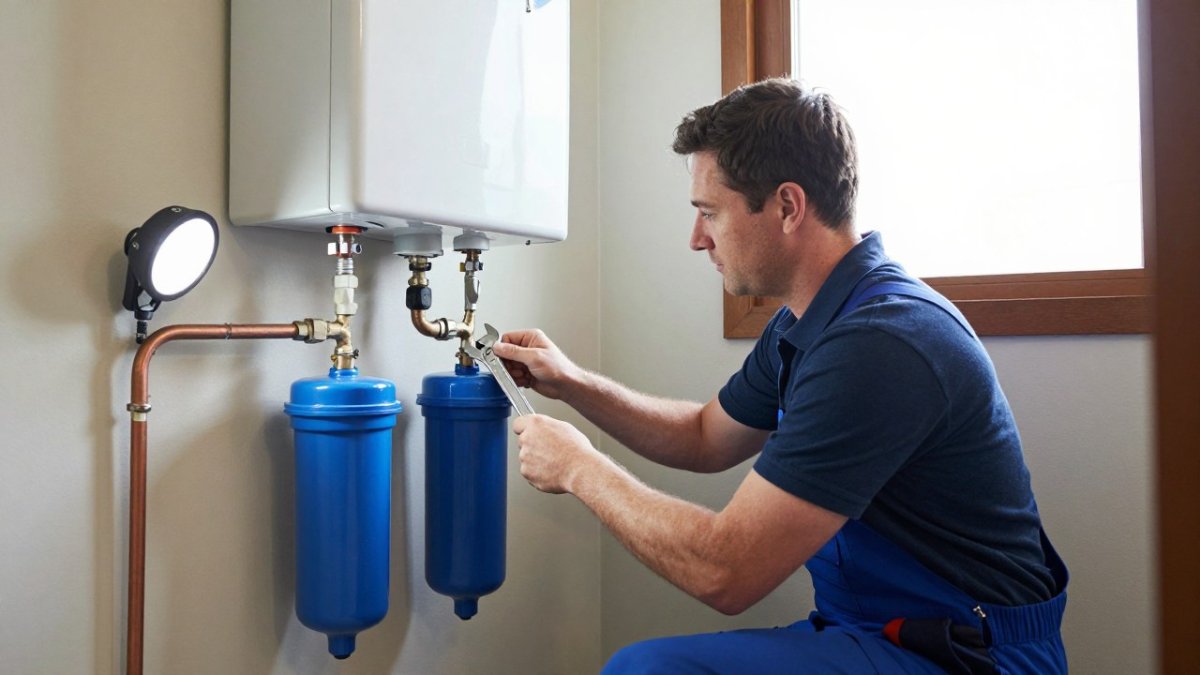
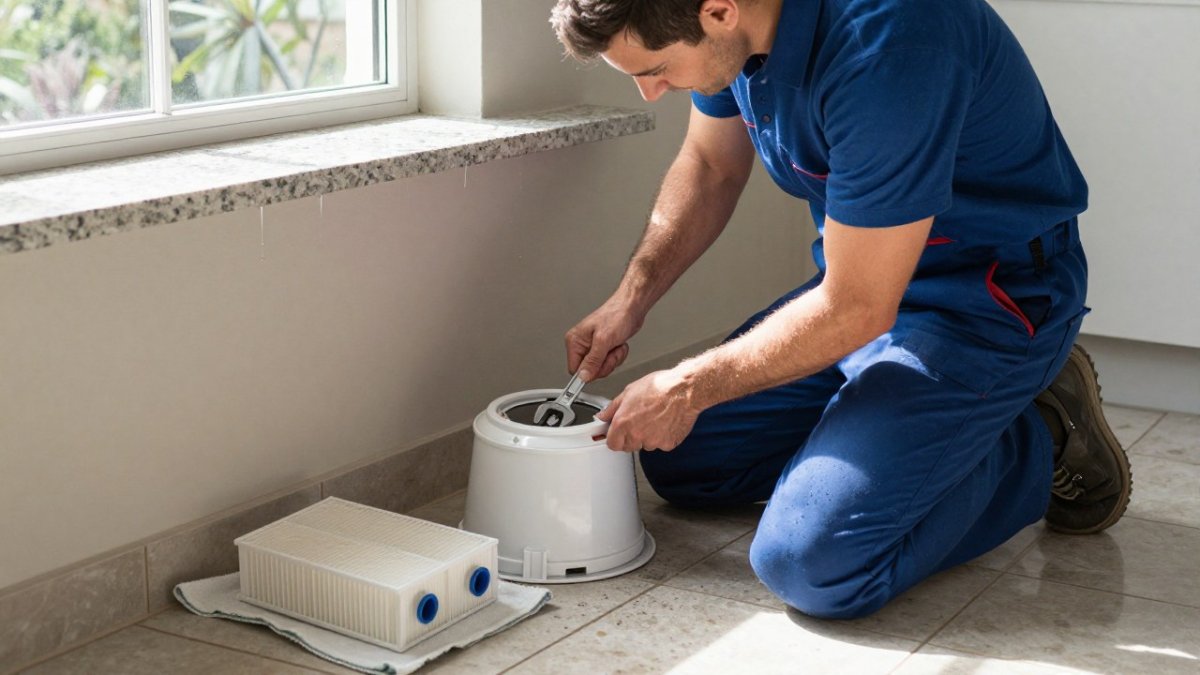
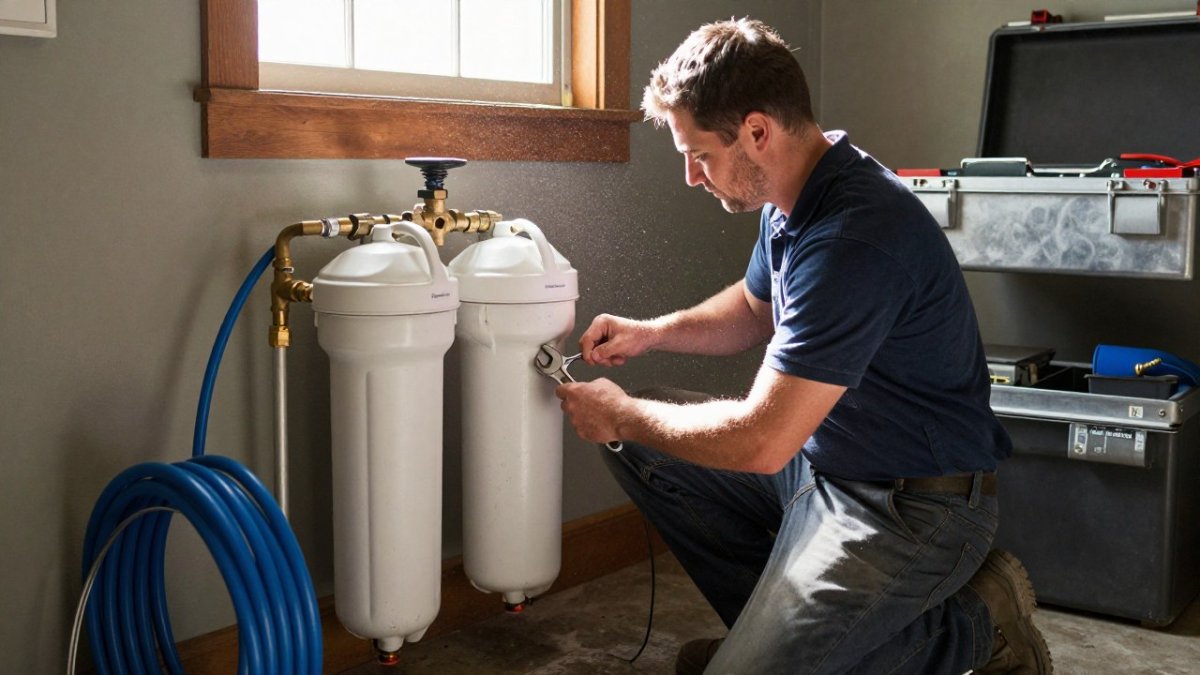
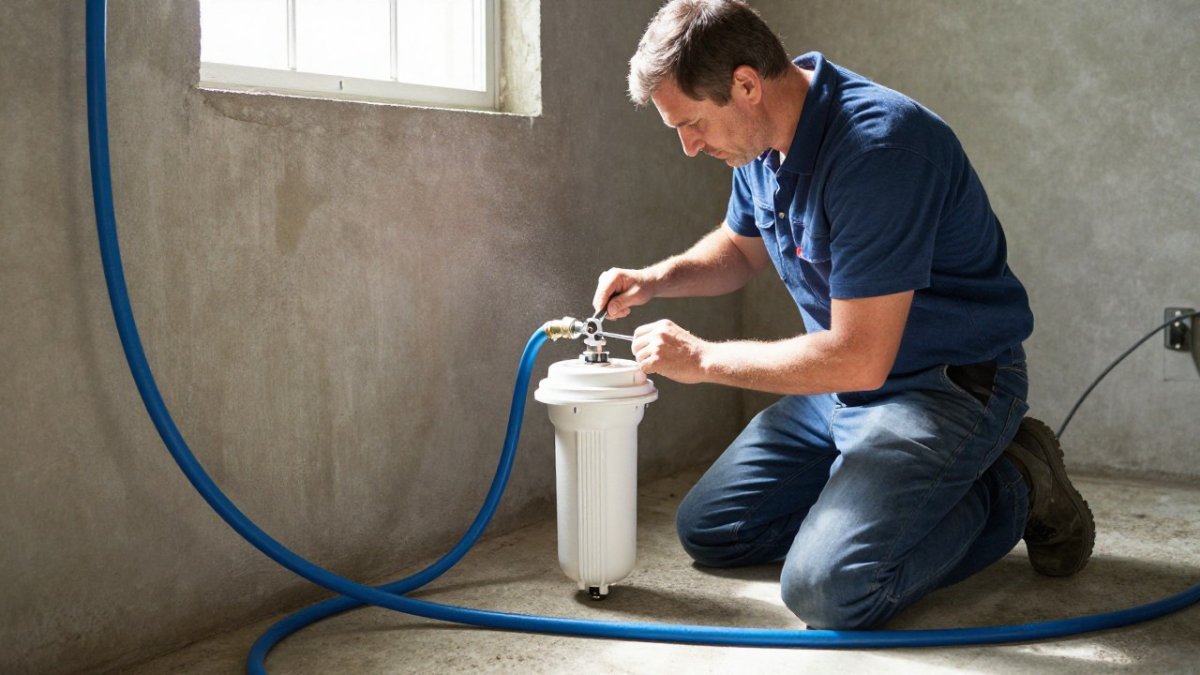
- Check the pre-filters first. A clogged sediment or carbon filter starves the membrane of flow and can mimic membrane failure. Replace them, then retest.
- Test the rejection rate. Measure feedwater and product-water TDS with a handheld meter. If rejection is still strong after fresh pre-filters, the membrane is likely fine and the problem is elsewhere.
- Check the storage tank. A waterlogged or depressurized tank causes slow output and frequent cycling even with a healthy membrane. Press the air valve; if water comes out, the tank has failed.
- Check pressure and flow. Low feed pressure reduces production and can look like membrane decline. Confirm the system is receiving adequate pressure.
- Look for leaks. A leak in the housing or tubing drops output without any membrane problem.
If rejection rate has fallen and stayed down after fresh pre-filters, correct pressure, and a verified tank, the membrane is the likely cause. If performance recovers after a filter change or tank service, the membrane was probably fine.
Watch out: replacing a membrane before ruling out a failed storage tank or clogged pre-filter wastes money and leaves the real problem in place.
How Often to Replace a Reverse Osmosis Membrane
There's no single answer that fits every home. A reasonable starting point is every two to three years for a well-maintained residential system, then adjust based on your test results and water quality.
Use this as a working schedule:
| Situation | Typical Replacement Interval | What to Watch |
|---|---|---|
| Municipal water, maintained system | Every 2-3 years | TDS creep, slower output |
| Hard water without softening | Every 1-2 years | Scaling, reduced flow |
| Well water with iron or sulfur | Every 1-2 years, test often | Fouling, taste changes |
| Light commercial | Every 3-5 years | Rejection rate drop |
| Industrial with full pre-treatment | 5+ years | Monitored continuously |
Pre-filters are a different story. Sediment and carbon filters usually need changing far more often than the membrane, often every few months. Check your system's manual for the intervals that match your model.
RO Membrane Life Calculation: A Simple Performance Test
You can check your membrane's health at home with a TDS meter in about ten minutes. TDS stands for total dissolved solids, and the test compares your tap water to your RO product water.
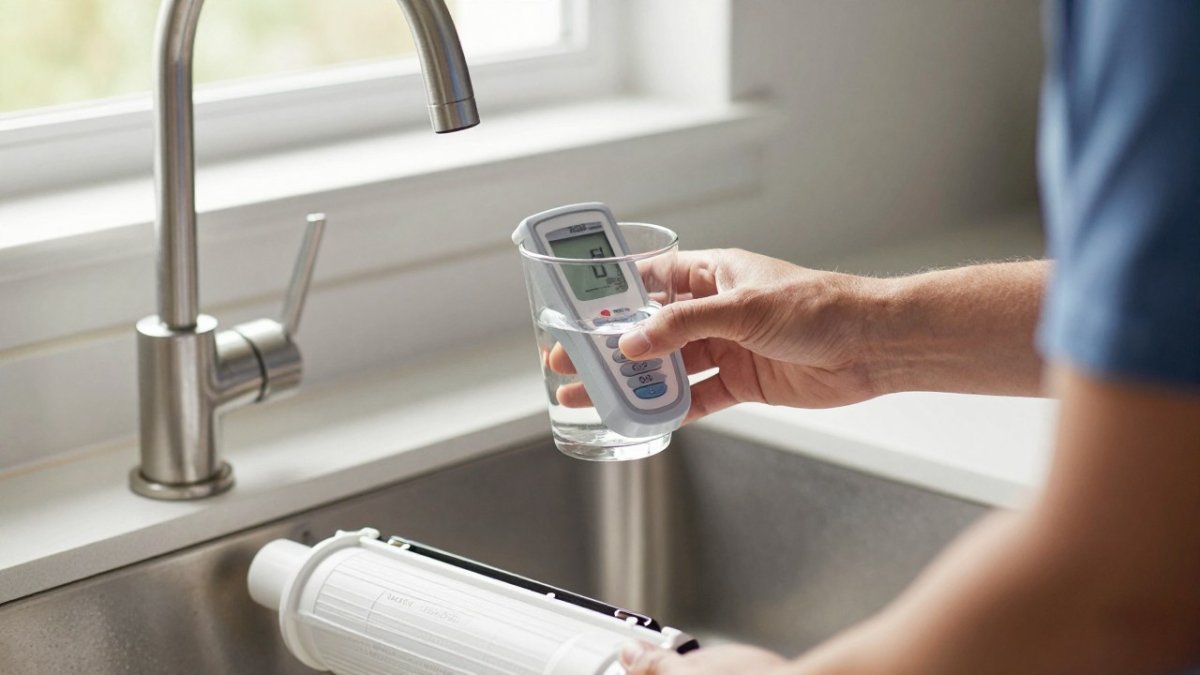
Here's the step-by-step test:
- Fill a clean glass with water straight from the tap. Measure it with the TDS meter and write down the number. This is your feedwater TDS.
- Run the RO faucet for a minute or two to clear the line.
- Fill a second glass with RO product water. Measure and record it.
- Subtract the product reading from the feed reading, divide by the feed reading, and multiply by 100. That's your rejection rate.
- Compare the result to your system's baseline. A healthy membrane rejects most dissolved solids. A falling rejection rate is your cue to investigate.
If your rejection rate has dropped and stayed down after fresh pre-filters, the membrane is the likely cause. If it recovers after a filter change, the membrane was probably fine.
Reverse Osmosis Membrane Maintenance That Adds Years
Consistent maintenance is the cheapest way to extend membrane life. The habits are simple, and they matter more than any single product.
- Change pre-filters on schedule. Sediment and carbon filters protect the membrane. Don't stretch them.
- Soften hard water upstream. Less hardness means less scaling on the membrane.
- Test TDS monthly. A quick reading catches problems early.
- Flush the system. Many systems flush automatically, but check yours and follow the manual.
- Watch pressure and flow. Note changes in fill time before they become failures.
- Address iron and sulfur early. Well water treatment upstream saves the membrane downstream.
For a deeper look at what RO removes and why it matters, see our guide to the benefits of reverse osmosis for drinking water. If you'd rather hand off the upkeep, our water filtration system maintenance service can help.
Schedule a Membrane Inspection with AquaShield Home Systems
If your RO water tastes off, your tank fills slowly, or you're simply unsure how old your membrane is, a professional inspection takes the guesswork out of it.
AquaShield Home Systems is a family-owned provider with licensed professionals serving Northern Colorado and the Denver metro area.
You can schedule a water system inspection to have your existing RO checked, or book reverse osmosis system installation if it's time for a new setup. Either way, you'll get straight answers about your water.
A membrane that's past its prime doesn't have to mean guesswork or a surprise bill. Get a clear read on your system, a fair quote, and a plan that fits your home's water.
Frequently Asked Questions
How often should reverse osmosis membranes be replaced?
Replacement timing depends on water volume and quality, so testing performance is more reliable than relying on a fixed interval. The better rule is to test rejection rate and water production before swapping. If your TDS reduction stays strong and output is steady, the membrane is still doing its job. Homes on hard or iron-heavy well water should check performance more often, since scaling and fouling shorten membrane life.
How do I know if my RO membrane needs replacing?
Watch for slower water output, a rising TDS reading on a meter, cloudy or bad-tasting product water, and more frequent filter changes. These are the same signs an RO membrane needs replacing that technicians look for. Test rejection rate with a TDS meter before and after the membrane, and compare it to your baseline. A steady drop in rejection rate or output points to a worn membrane rather than a pre-filter issue.
Should I replace the prefilters before replacing the RO membrane?
Yes, replace the sediment and carbon pre-filters first, then retest. Clogged pre-filters reduce pressure and water volume, which can look like membrane failure. A carbon filter also protects the membrane from chlorine exposure, which degrades thin-film composite membranes over time. Swapping pre-filters and flushing the system before you judge the membrane avoids replacing a membrane that was fine all along.
What happens if a reverse osmosis membrane is not replaced?
A worn membrane lets more contaminants through, so TDS reduction and rejection rate fall and product water quality drops. Water output slows, the system works harder, and downstream filters wear out faster. You may notice taste and odor changes before any visible sign. Replacing on performance rather than age alone keeps system efficiency up and protects the parts that depend on the membrane doing its job.